Is the Samsung Galaxy S25 Ultra 5G?
Yes — the Samsung Galaxy S25 Ultra supports 5G.
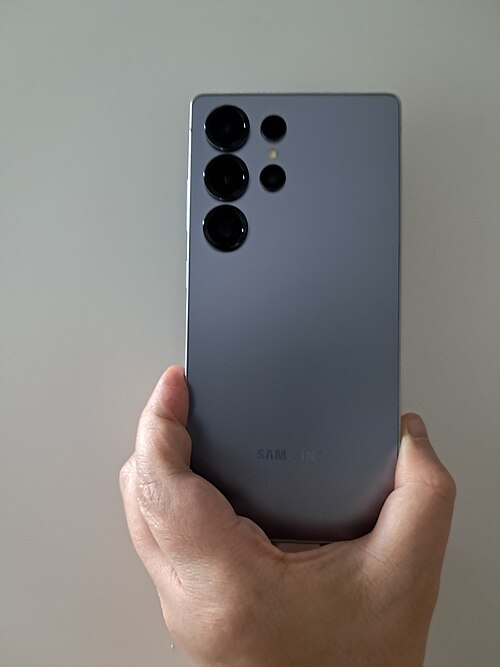
Sold in
- Algeria
- Argentina
- Brazil
- Chile
- France
- India
- Mexico
- Philippines
- Spain
- United States
5G bands
It depends on the version: the version sold in Argentina, Brazil, Chile, India, Mexico and Philippines lists n1, n2, n3, n5, n7, n8, n12, n20, n25, n26, n28, n38, n40, n41, n66, n77, n78; the version sold in Algeria lists n1, n2, n3, n5, n7, n8, n12, n20, n25, n26, n28, n38, n40, n41, n66, n71, n77, n78; the version sold in France and Spain lists n1, n2, n3, n5, n7, n8, n12, n20, n25, n26, n28, n38, n40, n41, n66, n75, n77, n78.
Sold in Argentina, Brazil, Chile, India, Mexico and Philippines
- n1
- n2
- n3
- n5
- n7
- n8
- n12
- n20
- n25
- n26
- n28
- n38
- n40
- n41
- n66
- n77
- n78
Source: samsung.com, searchapi.samsung.com
SA 5G (standalone)
The Samsung Galaxy S25 Ultra supports SA 5G in Brazil, France, India and Spain.
- SA 5G Brazil, France, India and Spain (Anatel, Brazil's telecom regulator, orange.es, boutique.orange.fr, Jio's 5G device list)
Some networks run 5G in standalone mode only — Jio in India, for one — so a phone without SA gets no 5G on them.
Model numbers
SM-S938BAlgeria, Argentina, Brazil, Chile, France, India, Mexico, Philippines and SpainSM-S938UUnited States
The code in Settings → About phone tells you which version you have.
Specs
- Chipset
- Snapdragon 8 Elite for Galaxy
- Display
- 6.9″
- Battery
- 5,000 mAh
- RAM
- 12 GB
- Storage
- 256 GB / 512 GB / 1 TB
Source: samsung.com
VoLTE and 5G settings on Samsung phones
- VoLTE (4G calling): Settings → Connections → Mobile networks → your SIM → VoLTE calls
- 5G: Settings → Connections → Mobile networks → Network mode → 5G/LTE/3G/2G (auto connect)
No VoLTE switch at all usually means your operator has not turned VoLTE on for your SIM — nothing on the phone changes that. Step-by-step guide for Samsung phones · Check VoLTE with VoLTE Check
How to check 5G on your own phone
On Android, open Settings → Network & internet → SIMs → Preferred network type (on Samsung, Settings → Connections → Mobile networks → Network mode). On an iPhone, open Settings → Cellular → Cellular Data Options → Voice & Data (Mobile Service → Mobile Data Options in some regions). If any option mentions 5G, the phone can use 5G.
A 5G phone still needs the right bands for your carrier, standalone (SA) support where the network requires it, a plan that includes 5G, and coverage where you are.